Print Factory

Create pen orders with job facts already lit.

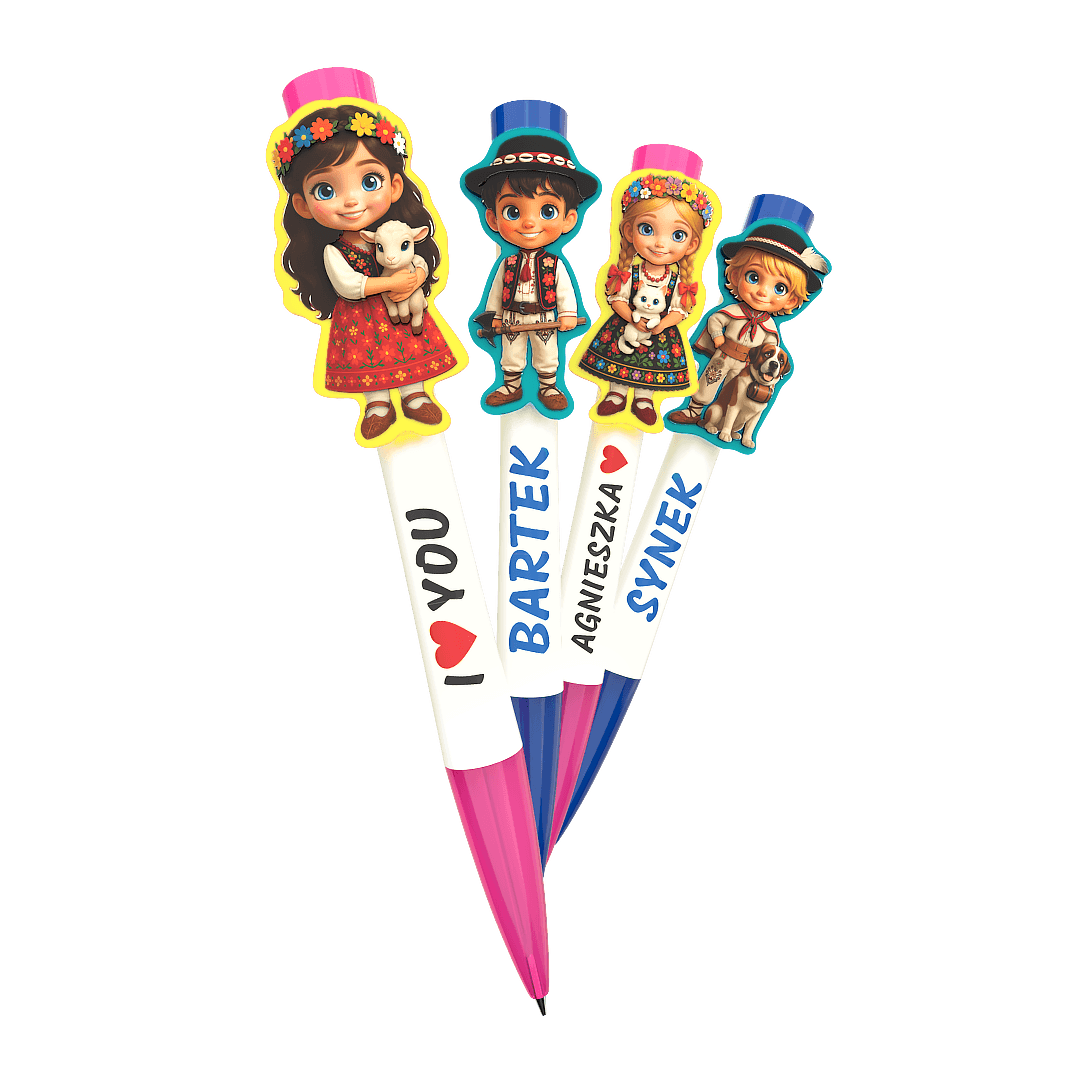
Start an engraved pen project, price the quantity, place barrel text or a vector Customer Asset, and keep every Draft ready for validation instead of resolving production details by email.

Compare sample products
  • Mock estimate live
  • Preview is not a Proof
  • Product Surface rules visible
  • Cart stays browser-local

Start from products the Design Engine understands.

Each catalog tile is backed by a Design Configuration: dimensions, allowed Design Blocks, safe areas, bleed, approved fonts, and validation constraints.

Engraved Pen

Vector logos and crisp type on a production-aware barrel engraving surface.

Sample qty
100
Mock estimate
$389.00

Printed Magnet

Full-color front print with safe area, bleed, and raster DPI checks before handoff.

Sample qty
250
Mock estimate
$380.50

The shop flow is a production route, not a generic checkout.

A customer Design moves from product choice to mock price estimate, Draft, validation, submitted revision, Proof, and Production Package.

  1. Pick the productStart from a configured Product Surface instead of a blank editing surface.
  2. Mock-price the quantityThe mock estimate reacts to product and quantity while the real calculation engine is still pending.
  3. Design inside constraintsText, vector logos, raster images, safe area, bleed, and DPI all stay production-aware.
  4. Submit the revisionDrafts become immutable Design Revisions before Proofs and Production Packages are generated.